
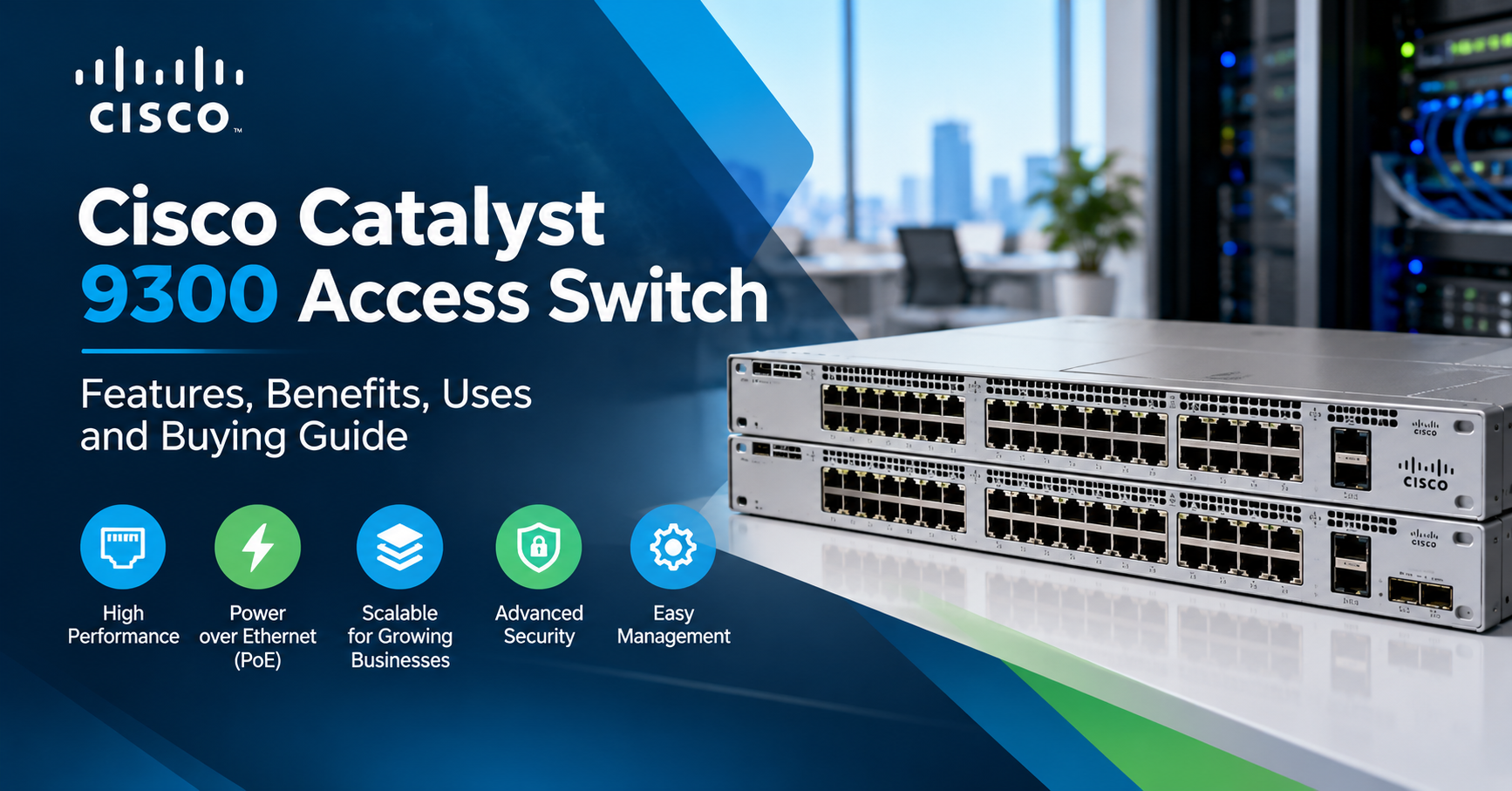
Cisco Catalyst 9300 Access Switch
Dynamic IT Devices Pvt. Ltd. We Provide A reliable network is essential for any business that depends on computers, servers, wireless connectivity and cloud-based applications. As a company grows, connecting more devices while maintaining network performance and security becomes increasingly important.
This is where the Cisco Catalyst 9300 Access Switch can be a useful solution. Designed for enterprise networks, the Catalyst 9300 Series helps businesses connect users and devices, manage network traffic and build a network infrastructure that can grow with their requirements.
Whether you manage an office network, a corporate campus, an IT department or a branch location, understanding how this switch works can help you make a more informed networking decision.
In this guide, we will explain what the Cisco Catalyst 9300 is, how it works, where it is used and what you should consider before purchasing one.
How Does a Cisco Catalyst 9300 Switch Work?
The easiest way to understand a network switch is to think of it as a central connection point for devices in an office or campus network.
When a computer sends data to another device on the local network, the switch uses the destination MAC address to forward the traffic through the appropriate port. This helps devices communicate without sending every packet to every connected device.
A typical network setup may look like this:
Desktop computers and printers connect to the switch through Ethernet cables.
Wireless access points connect to compatible switch ports.
IP phones can connect to PoE-enabled ports when the model supports the required power.
Uplink ports connect the switch to a core switch, distribution switch or another network device.
Network administrators configure and monitor the switch to manage connectivity, access and performance.
The Catalyst 9300 supports enterprise networking capabilities such as VLANs, access controls and network management features, depending on the software, configuration and licensing in use.
Key Features of the Cisco Catalyst 9300 Access Switch
1. Multiple Port Configurations
Different businesses have different connectivity requirements. Some need 24 Ethernet ports, while others require 48 ports to support a larger number of connected devices.
The Catalyst 9300 family includes a range of models with different port counts, speeds and power capabilities. Selecting the right configuration helps avoid paying for features that are not required while leaving room for future growth.
Before choosing a model, count your current network devices and estimate how many additional connections you may need over the next few years.
2. Power over Ethernet (PoE)
One of the useful features available on selected Catalyst 9300 models is Power over Ethernet.
PoE allows compatible devices to receive both network connectivity and electrical power through a single Ethernet cable. Depending on the model and supported PoE standard, this can simplify the installation of:
Wireless access points
IP phones
Compatible network cameras
Other supported PoE devices
For example, an office installing several wireless access points may not need a separate power adapter at every access point if the selected switch supports the required PoE standard and power budget.
Always check the individual model's PoE capability and total available power before connecting multiple devices.
3. High-Speed Uplink Options
Access switches need to communicate with the rest of the network. This is where uplink ports become important.
Depending on the model, the Catalyst 9300 family offers uplink options that may support 1 Gigabit, 10 Gigabit, 25 Gigabit, 40 Gigabit or higher speeds.
A suitable uplink helps carry traffic between access switches, distribution switches and core network infrastructure.
Businesses with high traffic volumes should consider uplink bandwidth carefully. The correct choice depends on the number of connected devices, expected traffic and the capabilities of the equipment at the other end.
4. Switch Stacking for Network Expansion
As an organisation grows, one switch may not provide enough ports. Cisco StackWise technology allows supported Catalyst 9300 models to be connected as a stack and managed as a single logical switching system.
This can make network administration easier and provide a more convenient way to expand the access layer.
However, stacking compatibility depends on the exact models, software and licensing. StackWise bandwidth also differs across the Catalyst 9300, 9300L and 9300X families.
Before purchasing additional switches for an existing stack, confirm compatibility and the required stacking cables or accessories.
5. Network Security
Security is an important consideration for any enterprise network.
The Catalyst 9300 platform supports various security capabilities, including access control, segmentation and supported encryption features. These can help administrators control which devices connect to the network and how network traffic is handled.
For example, a company may want to separate employee computers from guest Wi-Fi traffic. VLANs and appropriate access-control policies can help implement this separation.
Actual protection depends on correct configuration, software support, licensing and ongoing maintenance. A switch should be part of a wider security strategy rather than treated as a complete security solution on its own.
6. Network Management and Monitoring
Managing a large number of network devices manually can become time-consuming.
The Catalyst 9300 supports enterprise management approaches and tools that can help administrators configure devices, monitor network health and troubleshoot connectivity problems. Available options depend on the software version, licensing and deployment.
For IT teams, this can make it easier to identify issues such as failed links, incorrect configurations or unexpected traffic patterns.
Where Is the Cisco Catalyst 9300 Access Switch Used?
The Catalyst 9300 is suitable for a range of business networking environments.
Corporate offices: Connect employee computers, printers, IP phones and wireless access points through a managed enterprise network.
Educational institutions: Support computer labs, staff offices, wireless access and other campus connectivity requirements.
Data centre edge and server environments: Provide access-layer connectivity where the selected model's port speeds, uplinks and performance match the workload. It is important to distinguish access switching from specialised data centre switching requirements.
Healthcare organisations: Connect compatible workstations, phones and other networked equipment, subject to the organisation's security and compliance requirements.
Branch offices: Provide managed connectivity for employees, wireless access and business applications at smaller locations.
Growing enterprises: Expand the number of connected devices using appropriate port configurations and supported stacking options.
The right deployment depends on network size, traffic levels, security policies and the equipment already installed.
Cisco Catalyst 9300 vs. a Basic Network Switch
A basic unmanaged switch may be sufficient for a small office with simple connectivity requirements. An enterprise-managed switch is more appropriate when the network needs advanced control, segmentation, monitoring or expansion.
Requirement | Basic unmanaged switch | Cisco Catalyst 9300 |
Device connectivity | Yes | Yes |
Central network configuration | Usually limited | Enterprise management capabilities |
VLAN and access controls | Limited or unavailable | Supported capabilities, depending on configuration |
PoE | Depends on model | Available on selected models |
Stacking | Generally limited | Supported on compatible models |
Enterprise network expansion | Limited | Designed for scalable enterprise access networks |
The Catalyst 9300 may be more than a small office needs. The best option is the one that matches your network requirements, not necessarily the one with the largest feature set.
Why Choose Dynamic IT Devices for Networking Equipment?
At Dynamic IT Devices, businesses can explore networking equipment options for different infrastructure requirements, including new, refurbished and rental IT equipment.
Whether you are upgrading an existing network or planning a new deployment, it is important to identify the right switch configuration before making a purchase.
When enquiring about a Cisco Catalyst 9300, share your required port count, PoE needs, uplink speed, quantity and whether you prefer new, refurbished or rental equipment. These details help the supplier identify a suitable configuration.
For current availability, configuration details and pricing, contact Dynamic IT Devices directly.
Website: https://dynamicitdevices.com/
Frequently Asked Questions (FAQs)
1. What is the Cisco Catalyst 9300 Access Switch used for?
It is used to connect computers, printers, wireless access points, IP phones and other devices within enterprise networks. It is designed for managed access-layer networking in offices, campuses and branch environments.
2. Is the Cisco Catalyst 9300 suitable for a large office?
Yes. Suitable models can support large numbers of connected devices, enterprise network management and supported stacking configurations. The right model depends on the office size, port requirements and traffic levels.
3. Does the Cisco Catalyst 9300 support PoE?
Selected models support PoE+, Cisco UPOE or Cisco UPOE+, depending on the configuration. Check the exact model number and power budget before purchasing.
4. Can Cisco Catalyst 9300 switches be stacked?
Yes, compatible models support Cisco StackWise technology. Stacking limits, bandwidth and compatibility depend on the specific model family and configuration.
5. What is the difference between a 24-port and a 48-port Catalyst 9300?
The main difference is the number of available access connections. A 48-port model can connect more devices directly, while a 24-port model may be sufficient for a smaller deployment. Other specifications can also differ.
6. Can I buy a refurbished Cisco Catalyst 9300?
Refurbished units may be available through networking equipment suppliers. Confirm the model, hardware condition, functionality, software and licensing, warranty and support arrangements before purchasing.
7. Is the Cisco Catalyst 9300 a router or a switch?
It is primarily an enterprise switch. Some models and software configurations support Layer 3 routing features, but it should not automatically be considered a replacement for a dedicated WAN router or firewall.
8. How can I choose the correct Catalyst 9300 model?
Identify the number of ports required, PoE needs, uplink speed, stacking plans, software requirements and budget. Then verify the exact model against the manufacturer's documentation.
.png)