
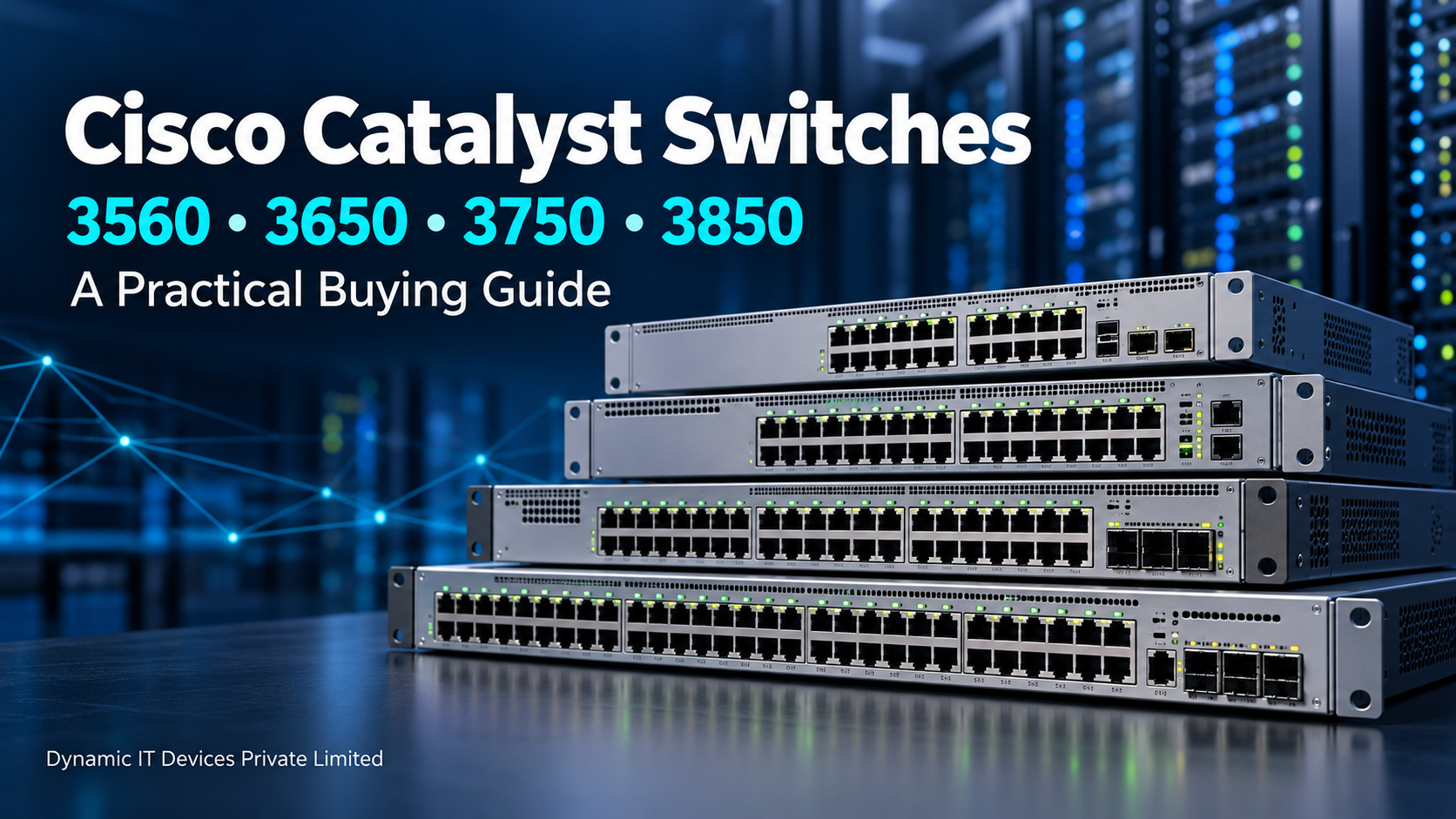
Cisco Catalyst 3560, 3650, 3750 and 3850 Switches: A Practical Buying Guide
At Dynamic It Devices Pvt, Ltd., provide a network switch usually starts with a simple requirement: connecting more devices. But once you begin comparing models, the details matter. Do you need 24 ports or 48? Will the switch power IP phones and access points? Do you need fibre uplinks, or will copper connections be enough?
Cisco Catalyst 3560, 3650, 3750 and 3850 switches are worth understanding when comparing refurbished networking equipment. Each is a separate series, and the full model number matters more than the name printed on the front panel. Cisco lists these as distinct product families.
This guide explains how to approach the purchase and what to check before choosing a unit.
What Are Cisco Catalyst Switches Used For?
Cisco Catalyst switches connect devices within an office, building or campus network. Computers, printers, servers, IP phones and wireless access points connect to the switch so they can communicate and access network resources.
The right switch also helps organise the network. For example, a business can use VLANs to separate accounts, sales and guest traffic. Where the model and software support Layer 3 routing, the switch can also route traffic between those VLANs.
Typical uses include:
Office connectivity: Establishing network connections for computers, printers, and comparable wired devices.
IP phones and access points: Delivering network connectivity and, on compatible Power over Ethernet (PoE) models, supplying electrical power via Ethernet cables.
Department separation: Leveraging VLANs to structure traffic flow and regulate inter-group communication across network segments.
Building connectivity: Linking access switches to the broader network infrastructure through appropriate uplink connections.
Network expansion: Using compatible stackable models to manage multiple switches together.
Training labs: Practising supported switching, VLAN and routing configurations.
Cisco Catalyst Switch Series: Features and Benefits
Switch Series | Main Features* | Practical Benefits | Typical Uses |
Cisco Catalyst 3560 | Fixed-configuration managed switches; VLANs, QoS and Layer 3 capabilities; Fast Ethernet or Gigabit options across variants; PoE available on selected models | Helps organise department traffic, prioritise voice traffic and connect office devices. Suitable PoE variants can reduce the need for separate device power adapters | Office networks, individual departments, legacy replacements and training labs |
Cisco Catalyst 3650 | Gigabit access models; StackWise-160 on supported configurations; PoE/PoE+ options; Layer 3 capabilities and uplink choices depending on model and licence | Supports higher-speed device connections and allows compatible switches to be managed as a stack. Suitable models can power phones and wireless access points | Office access networks, educational buildings and networks with multiple access switches |
Cisco Catalyst 3750 | StackWise technology; VLANs, QoS and Layer 3 capabilities; Fast Ethernet or Gigabit options across variants; PoE available on selected models | Simplifies management of compatible switches in a stack and helps expand port capacity. VLAN and routing features can support department-based network organisation | Multi-department offices, existing stacked networks, legacy expansion and labs |
Cisco Catalyst 3850 | StackWise-480 on supported configurations; modular uplinks on many models; PoE/PoE+ options; selected multigigabit and higher-speed models; Layer 3 capabilities | Provides flexibility for uplink connections, stacked deployments and compatible higher-speed devices. Suitable PoE models can supply power to connected endpoints | Campus access networks, larger office floors and deployments requiring flexible uplinks |
What to Check Before Buying a Refurbished Cisco Switch
A refurbished switch should come with clear information about its condition and testing. “Working condition” is a starting point, but a useful test report should explain what was checked.
Before placing an order, ask about:
Port testing: Have all Ethernet ports been checked for connectivity and traffic?
Uplink testing: Have the supplied uplink ports and modules been tested?
PoE testing: If required, has power delivery been tested with compatible devices?
Stacking: If needed, have the stacking ports and included cables been checked?
Hardware condition: Are the fans, power supplies and console port working correctly?
Software: Does the installed version support your required configuration?
Warranty: What is covered, for how long, and how are replacement requests handled?
Request photographs of the actual unit, including its model label and rear panel. This is especially useful when buying a replacement for equipment already installed in a rack.
Choosing a Switch for Your Network
Write down your requirements before comparing prices: port count, port speed, PoE needs, uplink type, stacking and required software features. With those details available, it becomes much easier to assess whether a particular Cisco switch is suitable.
For enquiries at Dynamic IT Devices Private Limited, Gurugram, share your requirements along with the complete model number, if you already have one in mind. For replacement enquiries, a photograph of the existing device label can help identify the equipment more accurately.
.png)