
Buying a used Cisco switch can be a smart decision for businesses that want reliable networking equipment without spending a large amount on new hardware. Many companies, IT dealers, and network professionals prefer refurbished Cisco switches because they can get enterprise-level networking features at a more affordable price.
However, purchasing a second-hand network switch requires some attention. A product may look good from the outside, but its actual condition, port functionality, software version, and hardware compatibility are equally important.
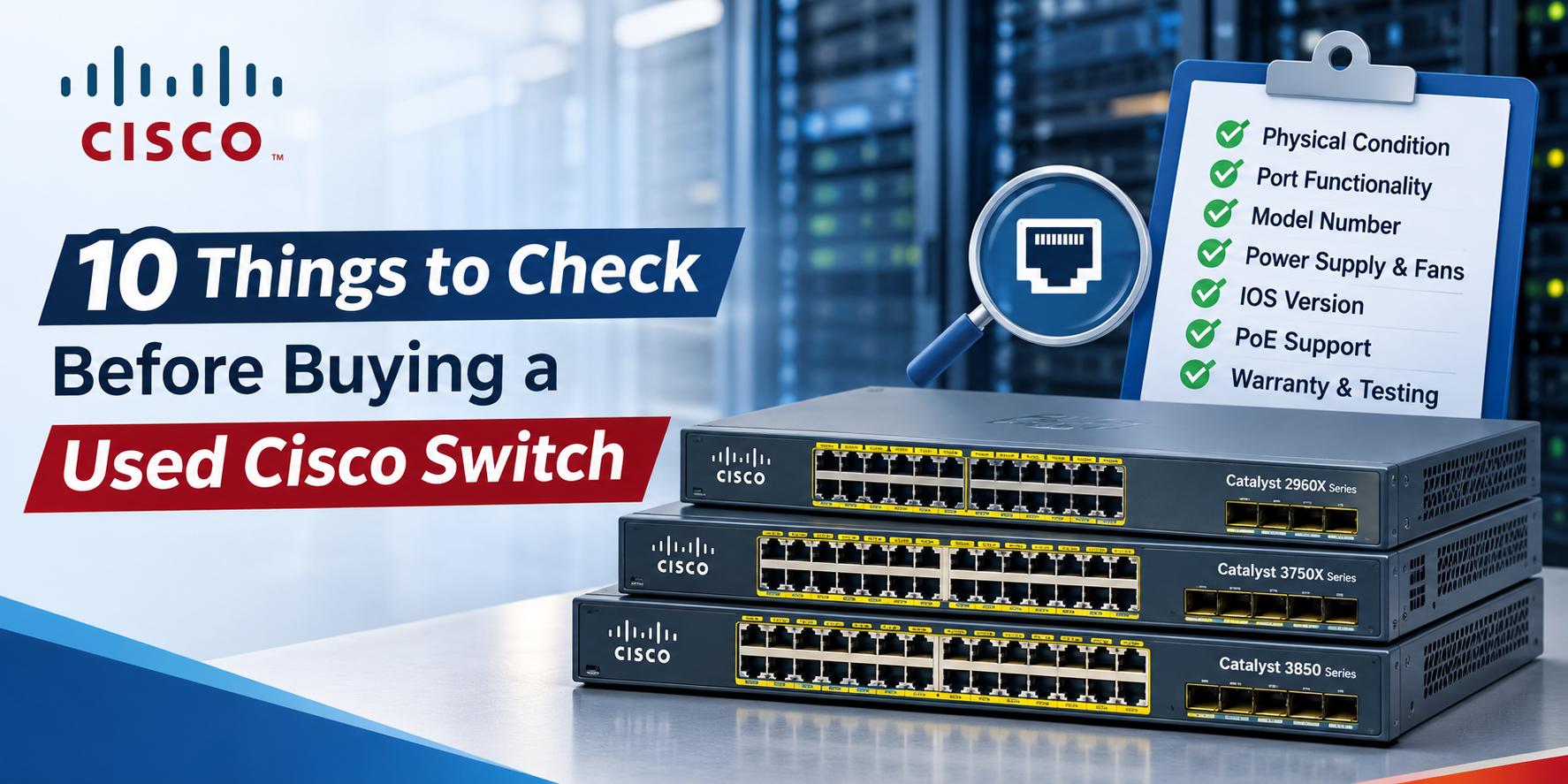
Before purchasing a used Cisco switch, make sure you check these 10 important things.
1. Check the Physical Condition of the Switch
Start by checking the overall physical condition of the Cisco switch. Look carefully at the front panel, rear panel, chassis, ports, and power supply area.
Pay attention to:
Any cracks, dents, or damaged parts.
Loose or broken Ethernet ports.
Bent pins or damaged SFP slots.
Signs of overheating or corrosion.
Missing screws or mounting components.
Damage around the power supply connections.
A few scratches on a used switch are normal, but damaged ports or signs of internal hardware problems should not be ignored.
2 Test All Ethernet and SFP Ports
One of the most important checks is port functionality. A Cisco switch may power on successfully, but some of its ports could still be faulty.
Before purchasing, ask the seller to test the available Ethernet and SFP ports.
Check the following:
Whether all required ports are working.
Whether link lights turn on when devices are connected.
Whether the ports can send and receive network traffic.
Whether SFP ports detect compatible transceivers.
Whether PoE ports supply power correctly, if applicable.
For businesses purchasing switches in bulk, testing every unit is important. Do not assume that all switches in a batch are in the same condition.
3. Verify the Exact Cisco Model Number
Cisco offers different switch series for different networking requirements. Before placing an order, confirm the exact model number printed on the product label.
For example, Cisco Catalyst 2960, 2960X, 3560, 3750, 3850 and 9300 switches have different hardware capabilities and features.
Check the model number to understand:
Number of Ethernet ports.
Gigabit or Fast Ethernet connectivity.
PoE or non-PoE support.
SFP or SFP+ uplink availability.
Switching capacity.
Supported network features.
Even two switches from the same series can have different specifications. Always match the model number with your actual network requirements.
4. Verify the Cisco IOS or Software Version
The installed software can affect which features are available and whether the switch is suitable for your network.
Before buying, ask the seller for the current software version and feature information.
On many Cisco Catalyst switches, the following command can provide useful details:
show version
Depending on the model, it can display software information, hardware details, uptime, and other system information.
Also check whether the software version supports your required features and whether the model is still receiving relevant security updates.
For older switches, plan carefully before connecting them to sensitive production networks.
5. Check the Power Supply and Cooling Fans
Power supply and fan problems are easy to overlook during a quick inspection.
A switch might start normally but shut down later because of overheating or unstable power.
Ask the seller to test the device for a reasonable period and check for hardware alarms.
For supported Cisco models, commands such as these may help:
show environment
show inventory
Command availability varies by switch model and software.
Check whether the fans operate normally, the power supply is stable, and the switch reports any temperature-related warnings.
If the switch has redundant power supplies, verify the condition of each installed unit.
6. Confirm PoE Functionality
If you're planning to connect IP phones, wireless access points, or IP cameras, Power over Ethernet may be essential.
But not every Cisco switch supports PoE.
Even among PoE-enabled models, the available power budget can vary significantly.
Before purchasing, check:
Whether the switch supports PoE, PoE+, or another required standard
Total available PoE power budget
Number of ports capable of delivering power
Power requirements of connected devices
On supported switches, this command may help verify PoE status:
show power inline
For example, a 24-port PoE switch may not have enough total power to run 24 high-power devices simultaneously.
Always calculate your actual power requirements.
7. Check the Switch's Hardware Health
A switch that powers on is not necessarily a healthy switch.
Ask whether the device has been checked for hardware errors, unexpected restarts, faulty modules, or abnormal system logs.
Depending on the Cisco model, useful commands may include:
show logging
show interfaces status
show interfaces counters errors
These commands can help identify potential problems, although historical errors do not always mean the hardware is defective.
Pay particular attention to ports that show repeated errors during controlled testing with known-good cables and devices.
A properly tested switch is generally a safer purchase than one sold without any functional verification.
8. Check Stacking and Uplink Compatibility
If you're buying a Cisco switch for an existing network, compatibility is critical.
For example, some Cisco Catalyst switches support stacking, allowing multiple compatible switches to operate as a single logical system.
However, stacking compatibility depends on the exact hardware series, software, and configuration.
Before purchasing, verify whether the switch supports the required stacking technology and whether compatible stacking cables are included.
Also check the uplink ports.
Some models offer 1G SFP uplinks, while others support 10G SFP+ or higher-speed connections.
Remember: A switch that works perfectly on its own may still be unsuitable for your existing network infrastructure.
9. Ask About Warranty and Replacement Support
Warranty matters when buying used networking hardware.
Even a tested switch can develop a problem after installation.
Before finalizing your purchase, ask the seller:
What is the warranty period?
What hardware failures are covered?
Is replacement available?
Who pays return shipping?
What happens if the same model is unavailable?
A reliable supplier should explain these conditions before the sale.
For business-critical networking environments, it is also worth checking whether spare units or replacement models can be arranged.
10. Buy From a Supplier Who Tests the Equipment
The cheapest used Cisco switch is not always the best deal.
A lower purchase price may seem attractive, but unexpected downtime, faulty ports, and replacement delays can make the equipment more expensive in the long run.
Look for a supplier who can provide clear model information, actual product photographs, testing confirmation, and transparent warranty terms.
Ask whether the switch has been checked before dispatch and whether the supplier can help you choose a model that matches your network requirements.
A little verification before purchasing can save considerable time during installation.
Looking for a Used Cisco Switch in India?
At Dynamic IT Devices Pvt. Ltd., we supply new and refurbished networking equipment, including Cisco switches, routers, firewalls, servers, and wireless access points.
Whether you're looking for a Cisco Catalyst 2960, 3750, 3850, or another compatible model, our team can help you check available options based on your requirements.
.png)